
AMP for Email: what it is, where it works, and what it takes to send
Most email is static. Whatever the sender put in the message at the moment of sending is what the reader sees, however long afterwards they open it. Anything interactive - a form, a poll, a booking, a current price - means leaving the inbox for a browser.
AMP for Email is the format that changes that. It has existed since 2019, is supported by a small number of major mail clients, and remains uncommon enough that most people have never knowingly received one. This post covers what it actually is, where it renders, and why the barrier to sending it is higher than the barrier to building it.
The format
An email message is already multipart. A typical send carries a plain text version and an HTML version in the same message, and the mail client picks whichever it can render. AMP adds a third part, text/x-amp-html, alongside the other two.
That part contains a restricted subset of AMP components. Supporting clients render it as live content: forms that submit, data fetched at open time rather than send time, content that updates in place without the message reloading. From the reader's side it behaves like a small application embedded in the message.
The restrictions are the interesting part. There is no arbitrary JavaScript. Network requests are limited to a defined set of components and must satisfy specific CORS requirements. Clients strip anything they do not recognise. The format exists to let a mail client render dynamic content without handing the sender a way to run code inside someone's inbox, which is why the component list is small and why it has stayed small.
Where it renders
AMP for Email is supported by:
Gmail - web and mobile apps, including Google Workspace accounts on custom domains
Yahoo Mail
It is not supported by Outlook, Apple Mail, Proton Mail, Fastmail, or the great majority of third-party clients. Microsoft trialled support and never shipped it. Depending on the audience, this typically leaves somewhere between a third and half of recipients outside AMP rendering entirely.
Two details matter if you administer a Workspace domain. Dynamic email is on by default but can be disabled org-wide from the Admin console, so a security-conservative organisation may have turned it off without telling anyone. And Gmail strips the AMP part when a message is forwarded, so a forwarded dynamic email arrives as plain HTML.
The fallback is not an afterthought
Because the AMP part travels alongside a full HTML version in the same message, a client that does not support AMP simply renders the HTML. The reader sees a normal, well-formed email. Nothing breaks, no layout collapses, no blank message arrives.
This is what makes the format usable despite its narrow support. The interactive version is an enhancement for readers whose client handles it, not a requirement for the message to work. In practice it means writing every email twice, an interactive version and a static one that stands on its own, which is real work, but predictable work.
Sending it is the hard part
Building a valid AMP email is straightforward. Getting permission to send one is not.
Any sender wanting to deliver AMP mail must register. Registration is per sending address rather than per domain, so each address needs its own application. Requirements include SPF, DKIM and DMARC configured and aligned with the From address, a genuine production email submitted for review, a blank test message is an automatic rejection and a sending history that meets Gmail's bulk sender guidelines. Reviews take several days, and applications are rejected for a long list of reasons.
That barrier, more than the technical constraints, is why AMP remains rare seven years after launch. It rules out casual experimentation, and it rules out any product that lets end users author and send their own messages from their own addresses.
How we use it
Inbox Academy runs email-based course and onboarding sequences, and quizzes are where AMP earns its place.
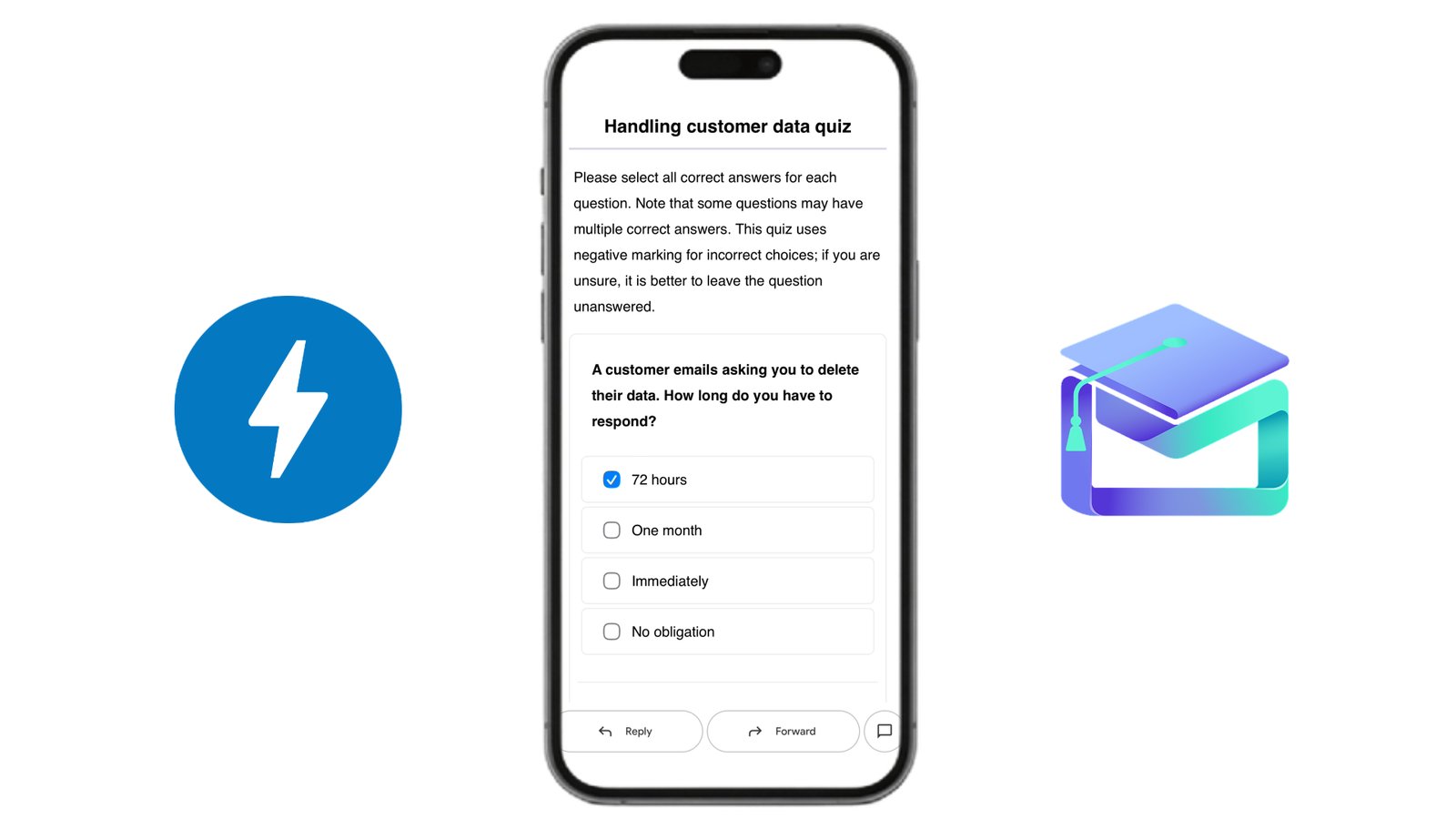
A quiz email carries the questions in its AMP part. The learner selects an answer, the response posts to our API, and the graded result, right or wrong renders inline in the same message. Nothing opens, nothing reloads. That result then releases the next lesson, since lessons are chained to completion rather than scheduled against a calendar.
The alternative is the usual one: a link, a new tab, a login screen, and a meaningful share of learners who never come back. For onboarding sequences, where finishing is the entire point, removing that step is worth the double authoring.
Readers on Outlook or Apple Mail get the HTML version and open the quiz in a browser, as they would anywhere else. The registration and the two-version authoring happen on our side.
Sending from your own address
Course emails can also be sent from your organization's own address (still using our domain) rather than our default email. If you choose this option, one important note from the section above remains: Gmail only renders AMP for senders that it has registered for dynamic email. Our default address is already registered, so quizzes render inline as described. A course sent from your own address also needs that address registered with Google; until it is registered, the AMP features remain inactive and every quiz defaults to the HTML version. This is a one-time registration, and the course settings provide a link to the form.
Useful links
AMP for Email documentation - the format, components, and tutorials
AMP for Email: sender registration - one form covering all supporting clients
AMP for Gmail - Google's developer overview
Register with Google to send dynamic emails - requirements and review process
Test your AMP emails in Gmail - developer settings for testing before registration
AMP Playground - write and preview AMP markup in the browser