EMAIL-BASED ONBOARDING & TRAINING
Onboarding by email, from the day someone joins.
Lessons, quizzes, and progress tracking delivered straight to your learners' inbox. No app to download, nothing for them to log into.
14 days free, from your first learner. No credit card required.
Day 3: Setting up your first workspace
Yesterday you got your login. Today we'll set up your first workspace, then a short check to make sure everything's connected.
Take today's quizWhat you get
Everything you need to run onboarding and training by email.
Branching courses that route each learner onto the track they need, an AI co-editor and quiz builder, certificates anyone can verify, and authoring from the AI assistant you already use.
How it works
Build it once. It teaches on its own.
You write the lessons. Inbox Academy handles the sending, the marking, and the follow-up.
-
1
Write your course
Draft lessons, quizzes and assignments, with an AI co-editor to speed up the blank page, or write the whole course from Claude or ChatGPT, connected straight to Inbox Academy.
-
2
Add your learners
You can add them directly via API, our Zapier app, through the platform individually, or sync a Workspace group. Alternatively, you can drop an enrollment form on your own site. Nothing for them to install.
-
3
Lessons send themselves
On the schedule you set. Quizzes get marked, progress is tracked, and certificates go out at the end.
Getting learners in
Enroll learners from wherever they already are.
Import a whole team, let people sign themselves up on your own site, or enroll them automatically from the tools that already know who's joining.
Bring your own AI
Author from the assistant you already use
Connect Claude, ChatGPT, or any MCP-compatible assistant to Inbox Academy and build a course by chatting. It reads and writes only within your organization and your role, and everything it drafts waits unpublished for a person to approve.
Pricing
One plan. Everything included.
Your 14-day free trial starts when you enrol your first learner, not the day you sign up. Nothing to choose, nothing to pay until you decide it's working.
$29 per month
The 14 free days begin at your first learner enrolment. You have 90 days after signing up to enrol one.
Billed monthly once the trial ends. Cancel anytime.
No credit card required.
Included every month
- 20 courses
- 1,000 active learners
- 5 team members
- 1,000 newsletter subscribers
- 4,000 newsletter emails a month
Plus every feature
- AI Quiz Generation
- AI Content Editing
- Newsletters
- Google Workspace Group Enrollment
- API Access
- MCP Access
Need more? $5 per additional 50 learners. Only learners currently taking a course count - people who finished, unsubscribed, or never confirmed their email don't.
FAQ
Frequently asked questions
What is Inbox Academy?
A platform for running onboarding and training over email. You write the lessons, quizzes, and assignments once; we send them on a schedule timed from each person's start date, and track who opens and finishes each one.
Who is it for?
Most people use it for onboarding new hires or new clients. It also works for compliance refreshers, partner and reseller training, internal upskilling, and email courses, anything you'd send as a structured sequence rather than a one-off. No separate app, portal, or login on the recipient's side.
How does the scheduling work?
Enrollment triggers the first lesson. After that, each step is timed relative to what came before it - two days after the previous lesson went out, or as soon as someone finishes the quiz that precedes it. So the sequence follows each person's own pace rather than a fixed calendar, and someone who joins in March and someone who joins in July both get the full path from their own day one. No cohorts to manage, and nobody receives lesson 4 before finishing lesson 3.
Can a course send learners down different paths?
Yes. A branching course routes each learner onto a separate track based on how they did on a quiz - a refresher when someone fails, an advanced track when they score well - or on the answer they pick at a decision point, a question with no right answer. Everyone else carries on along the main path, and each track rejoins the course where you choose, or ends it. The course's flow view shows every route at a glance. How branching courses work.
Do recipients need to sign up for anything?
No. They receive lessons as regular emails and answer quizzes and assignments directly from their inbox.
Can learners answer to quizzes directly from email?
Yes, in Gmail. The quiz is interactive inside the message, so learners pick their answers and submit without ever leaving the inbox. It relies on AMP for Email, which needs both support from the email client and approval of the sender by that provider - Gmail is where we're approved today. Everywhere else the same quiz arrives as an ordinary email with a link to answer on the web, so nobody is left unable to take part. More about AMP for Email.
Can enrollment happen automatically?
Yes. Enroll people through the Zapier app, the public API, or by importing a Google Workspace group in one click. Most teams connect it to whatever already signals a start date - an HR system, a CRM, a signed contract, so enrollment happens without anyone remembering to do it.
Does it work where internet is limited or unreliable?
Yes, it's part of why we built it this way. Lessons arrive as plain text emails, a few kilobytes each, so they download over a weak mobile connection and stay readable on the device afterwards. There's no video to stream, no portal to keep loaded, and nothing that depends on a platform being reachable.
When does the free trial start?
When you enrol your first learner - not when you sign up. Building a course takes as long as it takes, and we would rather you spent that time on it than on a clock. Sign up today, write your lessons over the next few weeks, and the 14 free days only start counting once someone is actually enrolled. That first enrolment does need to happen within 90 days of signing up.
What happens when the free trial ends?
We never ask for card details to start, so nothing is charged automatically and there's no subscription to remember to cancel. If you haven't added a payment method by the end of the 14 days, or the 90 days go by without a first learner, your account pauses rather than closes - your courses, learners, and their progress stay exactly where they are. Add a card whenever you're ready and everything picks up from there.
How do you count learners?
Only the people currently taking a course. Someone who finished, unsubscribed, or never confirmed their email stops counting, and the number goes back down when they do - so a course you run once for a hundred people doesn't hold a hundred places forever. One person taking three of your courses counts once, not three times.
Is this built on the open-source django-email-learning project?
Yes. django-email-learning is our open-source library. If you're comfortable managing your own infrastructure, you can self-host it for free. Inbox Academy is the hosted version: same delivery engine, plus AI tools like the quiz generator and pre-configured delivery jobs, so you don't have to set up or maintain any of it yourself.
Can I write course content with an AI assistant over MCP?
Yes. We run a Model Context Protocol server at https://mcp.inboxacademy.io that MCP-capable assistants (Claude, ChatGPT, and others) can connect to. It authenticates with OAuth: your assistant opens a normal Inbox Academy sign-in, and access is scoped to the organizations you belong to and your role in each - admin and editor can create and edit content, instructor and viewer are read-only. Access tokens are short-lived (about 10 minutes) and refreshed automatically; the underlying authorization lasts up to 30 days and you can revoke it at any time, and a role change takes effect on the next token. The tools cover reading and authoring: list courses, list lessons, read a lesson's content, create and update lessons, and create quizzes. Anything the assistant creates lands unpublished - a person still publishes it from the web app - and there is no delete. MCP access is part of paid plans; organizations still on the free trial can connect but are held to a small daily tool-call quota that resets at 00:00 UTC.
Ready to turn your learners' inbox into a classroom?
Set up your first course today and send lesson one this week.
14 days free, from your first learner. No credit card required.
From the blog
Notes on teaching by email
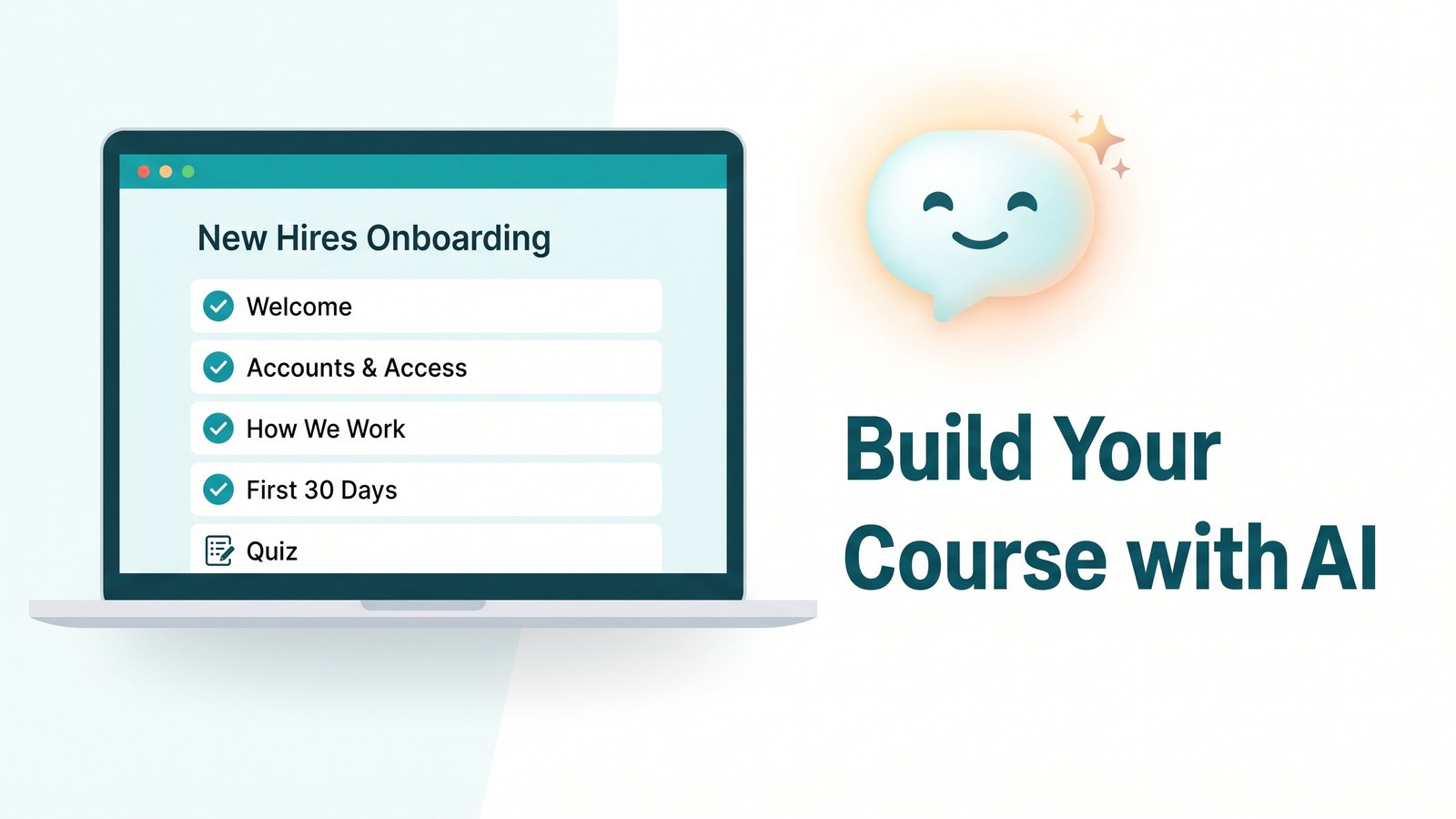
Build Your Course with AI, in Minutes
Watch an AI assistant build a full course directly inside Inbox Academy, just by asking. Everything stays in draft until you review it.
Read post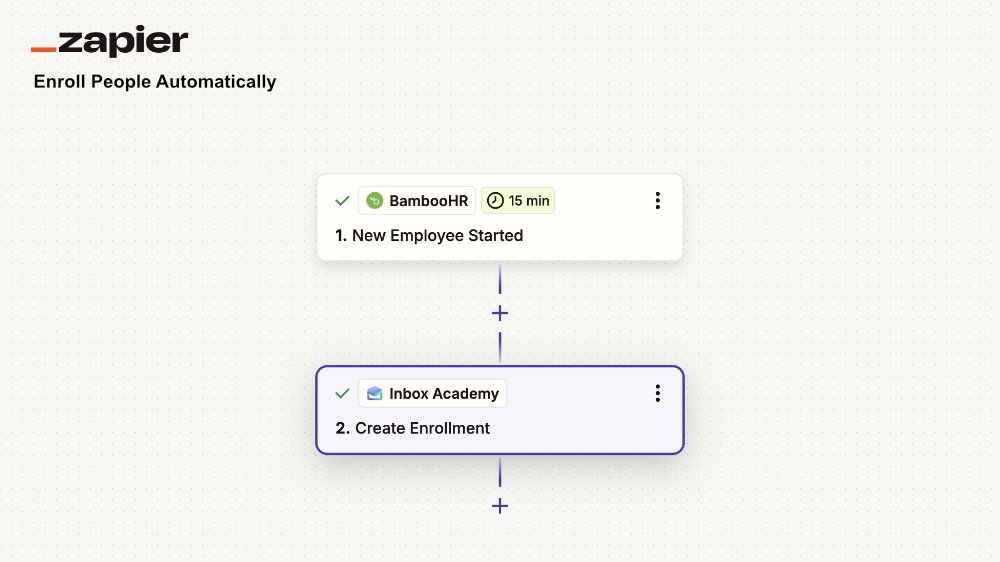
Enroll people automatically: the Inbox Academy Zapier app
A new hire lands in your HR system on Monday. Their onboarding course starts whenever someone gets around to it. Here's how to close that gap with a two-step Zap.
Read post