
Build Your Course with AI, in Minutes
Writing a course is usually the slowest part of shipping one. You know what you want your learners to walk away with, but turning that into structured lessons, and then into a quiz takes time most course creators don't have.
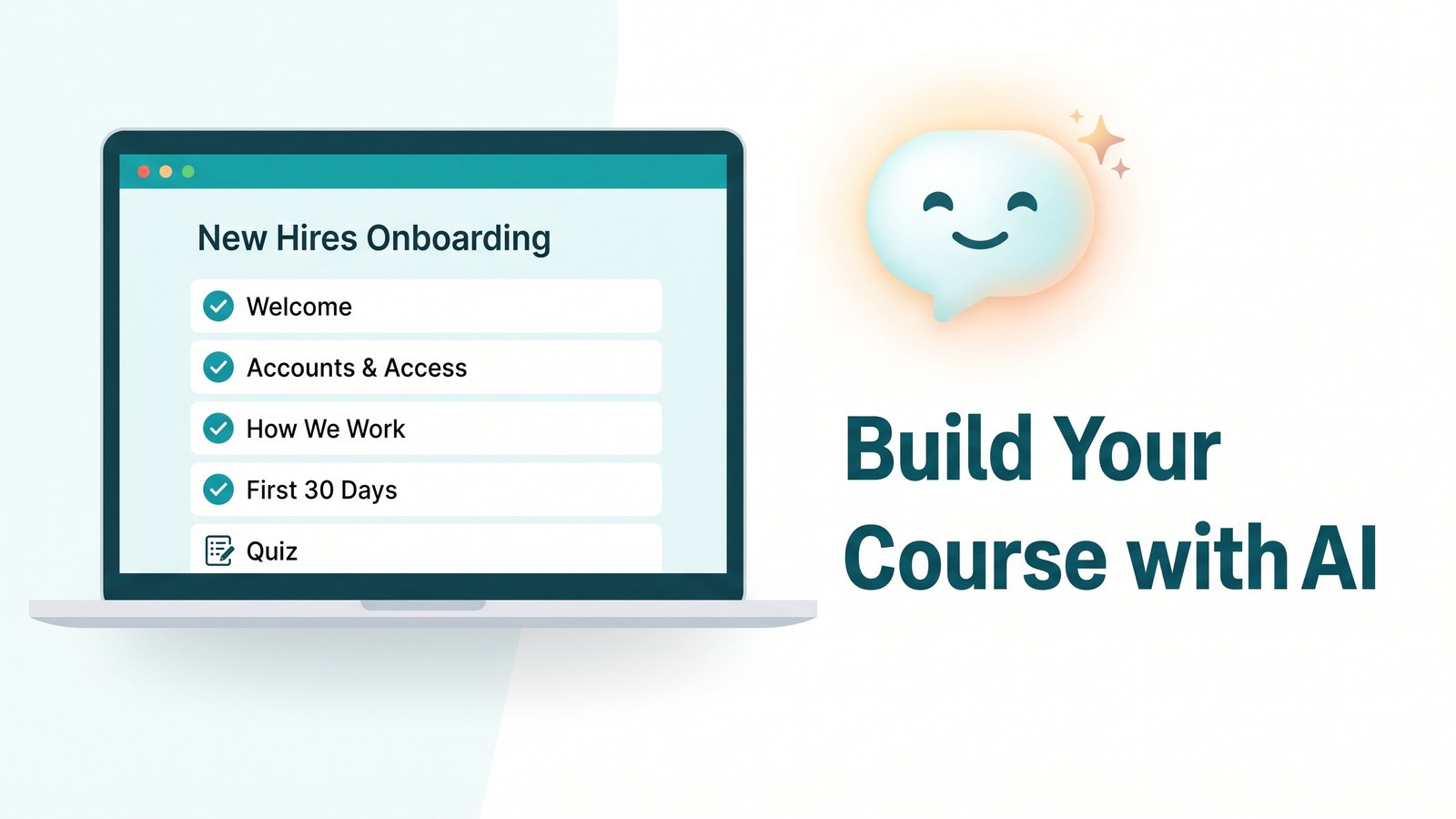
We recently created an MCP server that allows AI assistants like Claude to directly integrate with Inbox Academy, enabling it to build lessons and quizzes right inside your course, rather than just suggesting text for you to copy and paste. We used it to develop real course content from scratch: four lessons for a New Hires Onboarding course, plus a ten-question quiz covering all of them. Here's how it works and what we learned while putting it together.
What makes this different from just asking a chatbot for help
Many tools can write lesson content for you. The difference here is that AI assitan is directly connected to your Inbox Academy account, allowing it to create lessons and quizzes right where your course is hosted. You won’t need to copy anything between two windows, you simply ask, and it appears in your course editor.
Under the hood, this connection uses an open standard called MCP (Model Context Protocol), think of it as the plumbing that lets an AI assistant safely talk to an app like Inbox Academy. You don't need to know how it works to use it; it's just what makes the "ask and it appears" part possible.
Setting it up
Connecting Claude to your Inbox Academy account takes a few minutes, one time. In Claude's settings, you add Inbox Academy as a connector using our server address, then sign in to Inbox Academy to confirm the connection. During that step, you choose which of your organizations you're granting access to, and you can see exactly what Claude will be able to do before you approve anything, worth actually reading, since this is the step where you're granting real access to your account.
You also control what Claude is allowed to do without asking for permission first. In our example, we allowed it to proceed freely with anything that only reads information. However, for tasks that create or alter content, such as writing a lesson or building a quiz, we set it to ask for approval each time, at least initially.
How it actually works
You describe what you want, and Claude builds it directly inside your course, lessons, quizzes, or both. Because it can carry context from earlier conversations, it can write with real knowledge of your company or your audience, not just a topic you hand it cold.
You stay in control of what it's allowed to do without asking first. Anything that only reads information can run freely. Anything that creates or changes content can be set to ask for your approval every time, or to go ahead automatically once you're comfortable with the results. Either way, nothing gets written to your course without your say-so.
And in most cases, nothing goes live on its own. Everything Claude creates lands in draft, a real person still reviews and publishes each piece before learners ever see it. That's not a limitation we're apologizing for; it's the reason you can hand this process to an assistant in the first place. Speed only helps if you still trust what comes out the other end.
⚠️ One exception to know about
If Claude edits a lesson that's already published, the change applies directly, it doesn't get routed back into draft. New lessons and quizzes are always created as drafts; it's only edits to something already live that go straight through. If you want to review every change before it reaches learners, keep the "edit lesson" tool set to ask for approval.
Try it yourself
Setup takes a few minutes, and it's a one-time step, after that, building out a course is as simple as asking. See our short walkthrough below. We used Claude for this example, but any AI assistant that supports MCP can connect the same way.